Description
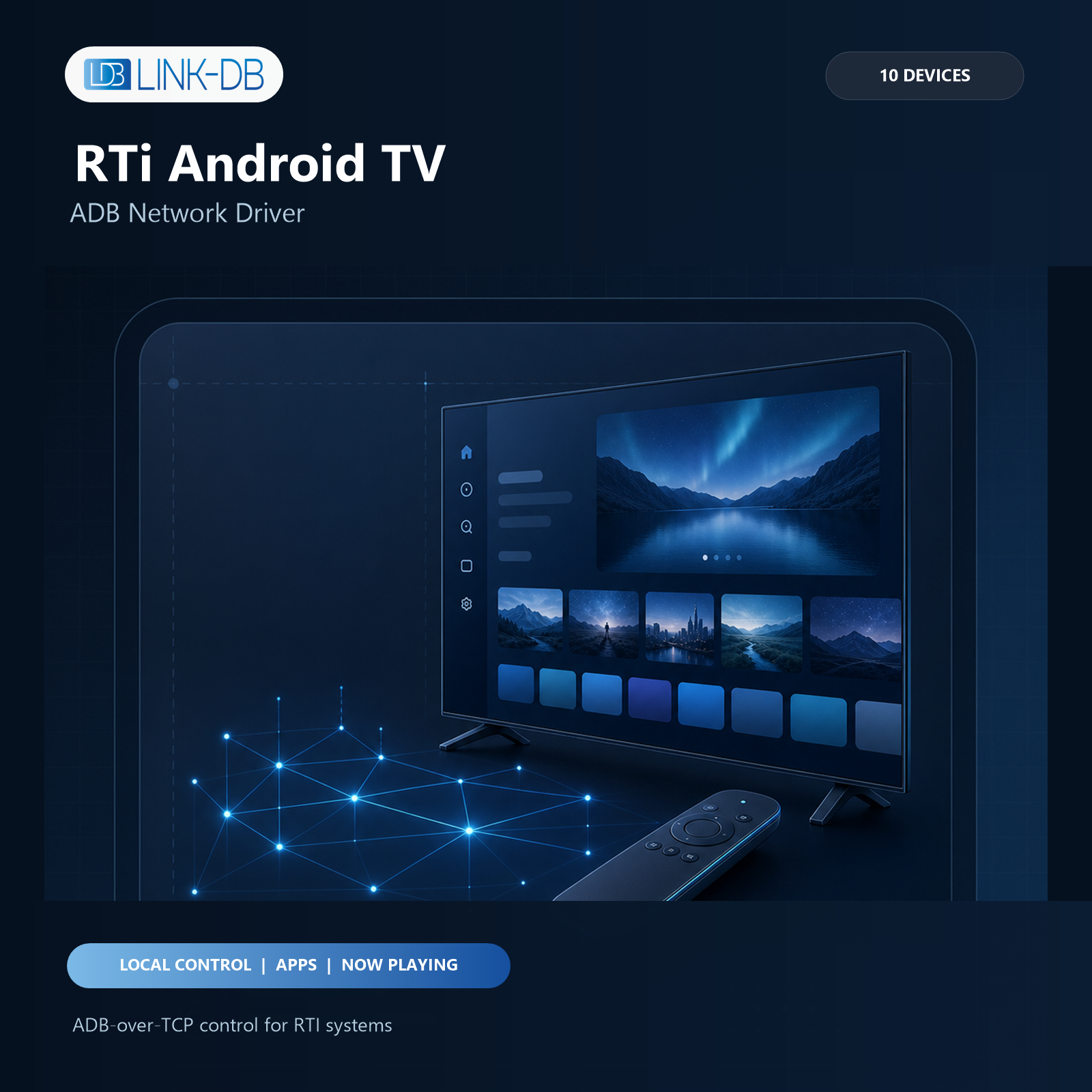
The Android TV ADB Network Driver provides local two-way control of up to 10 compatible Android TV, Google TV, or Fire TV devices from one RTI XP processor. It includes fast remote navigation, app discovery and launch, app icons, volume feedback, Now Playing metadata and artwork, TV Provider channel data where available, direct TV input commands, diagnostics, and a 120-minute trial.
RTI requirements
• Integration Designer with APEX 11.0 or newer.
• RTI XP processor with script runtime 25 or newer.
• The RTI processor, control interfaces, and TV must be able to reach each other on the local network.
Android TV requirements
• Developer Options enabled on the Android TV device.
• Classic network ADB enabled, normally on TCP port 5555.
• A fixed IP address or reliable DHCP reservation for each controlled TV.
• Confirmation of the Android RSA authorization prompt on first connection.
Important:Android Wireless Debugging with a pairing code, QR code, dynamic TLS port, or A_STLS is not supported. Use classic ADB-over-TCP. Availability of classic network ADB depends on the TV manufacturer and firmware.
Android TV 14 does not by itself randomize the classic ADB-over-TCP port. Release 5.1 was verified with the official Google TV 14 API 34 emulator on classic port 5555. Random ports belong to Android’s separate Wireless Debugging TLS service and cannot be used as a replacement for classic ADB by entering only the discovered port.
Installation
1. Import the .rtidriver file into Integration Designer.
2. Add one Android TV source for each controlled device, up to 10 sources.
3. Enter the TV host address and ADB port. Do not enter the RTI processor address.
4. Download the project to the XP processor.
5. On the TV, accept the RSA prompt and select Always allow from this computer.
6. Confirm that Connection Status is connected, Authorization Status is authorized, and Persistent Shell Status is ready.
Fast remote control
Zero Lag Key Commands, Enhanced Native Input Bridge, and Fast Action Commands are enabled by default. Navigation, transport, volume, and TV input key events use dedicated persistent paths so metadata polling does not delay normal remote use. Unsupported devices automatically fall back to the compatible persistent ADB shell and standard command queue. Use the Zero Lag, Native Input Bridge, and Fast Action status variables for diagnostics.
If an Android 10 TV reacts twice to a short button press, start with Same-Key Repeat Guard set to 80 ms – Android 10 (Recommended) in that TV’s configuration. This filters short duplicate bursts while preserving the normal 80 ms RTI cursor repeat. Increase the value only if duplicates remain. Other TVs can remain at Off / Fastest.
Applications and icons
Enhanced Helper is the recommended default. The driver installs or updates its signed metadata helper through the already authorized ADB connection. Android PackageManager supplies localized app names, package IDs, launcher components, TV banners, and app icons. Bind Installed Apps List to an RTI Item List and assign Start Selected App (List Action) as the row action. RTI provides the selected zero-based row index automatically.
The default list row format is App Name Only. App filtering can be configured in driver properties or changed at runtime with Set App List Filter and Clear App List Filter. If the helper cannot be used, the driver keeps TV control available and falls back to agentless launcher discovery and packaged icons.
Now Playing
Compatible Android MediaSession players can provide title, subtitle, description, artist, album, season, episode, playback state, duration, position, remaining time, progress, supported actions, and dynamic artwork. Bind Now Playing Artwork to an RTI Dynamic Image object. Helper 3.9.0 replaces the previous cover with a transparent image as soon as playback becomes unavailable, so stale artwork is not left on the interface.
Metadata quality is controlled by the active Android app. Apps that do not publish a title, duration, timeline, or artwork through Android MediaSession cannot provide those values reliably. The driver reports unavailable data instead of inventing it.
Plex subtitles such as S20 – E12, Staffel 20 – Folge 12, and 20×12 populate the separate Season and Episode feedback even when Plex leaves those Android metadata fields empty. Netflix on some Android TV builds publishes playback state and elapsed position but no content title or total duration. In that case Media Metadata Source reports netflix_media_session_limited and Timeline Status reports provider_restricted.
Live TV and inputs
When the active TV app and firmware expose Android TV Provider data, the driver can show a channel list with number, name, and logo, plus current and next program information. Channel and EPG feedback is best effort because some consumer TV apps do not publish the active Android channel URI.
Dedicated functions are available for Input Menu, Live TV, HDMI 1 through HDMI 4, Composite, Component, VGA, Antenna/Cable, Set-top Box, and A/V Receiver. Android confirms that the key event was accepted but does not provide a portable confirmation of the physically active HDMI input.
Volume and power
Volume Up, Volume Down, Mute, and Set Volume Percent include a delayed readback so the displayed value follows repeated key presses. The driver includes Android 10-compatible audio fallbacks. Power and wake behavior depends on device firmware. Keep Device Awake is optional and disabled by default.
Network ports
• TV ADB: normally TCP 5555, configurable per device.
• Enhanced metadata and artwork helper: TCP 23559 on each Android TV.
• Agentless XP icon fallback: TCP 23558 with automatic alternate-port selection.
Ports 23456 through 23458 are intentionally not used.
Licensing
The driver provides full control for 120 minutes after each driver start when no valid license is configured. After the trial expires, user control commands are blocked while diagnostic and connection feedback remains available.
To purchase a permanent license, copy the Processor MAC value shown in the driver variables and visit https://store.link-db.ch/. The license is bound to that RTI processor MAC address. Enter the supplied key in the License Key driver property and download the project again.
Troubleshooting
Authorization required:Accept the RSA prompt on the TV. If no prompt appears, revoke existing USB debugging authorizations on the TV and reconnect.
TLS pairing unsupported:The configured endpoint is an Android Wireless Debugging pairing port. Enable classic network ADB and use its fixed TCP port instead.
App list unavailable:Check Enhanced Helper Status and Last Error, then run Repair / Redeploy Enhanced Helper. Agentless Compatibility remains available.
No Now Playing details:Confirm Media Metadata Access is enabled and verify that the active app publishes an Android MediaSession. Missing app metadata cannot be reconstructed reliably.
No channel or EPG data:The active TV app or firmware may not expose Android TV Provider data or the active channel URI.
Slow keys:Confirm that Zero Lag Persistent and Native Input Bridge Ready are true. Review their fallback and error variables.
Security
ADB provides powerful access to the Android device. Enable it only on a trusted, isolated control network. Do not expose the ADB or helper ports to the Internet. Advanced Shell Commands are disabled by default and should remain disabled unless an integrator explicitly requires them.
Version 5.1
Adds a reproducible Android TV 14 and Google TV 14 API 34 compatibility gate. Raw RSA-authenticated ADB framing, app discovery, APK banners and icons, app launch, Enhanced Helper foreground service, MediaSession and TV Provider access, native input, volume feedback, and screen capture were verified. The local raw-ADB smoke tool can now authenticate with a standard Android host key. Wireless Debugging pairing and dynamic TLS endpoints remain explicitly unsupported.
Android TV, Google TV, Fire TV, and third-party app names are trademarks of their respective owners. This community driver is developed and supported by Erzinger Audio Video Solutions AG.
License and activation context
Android IP TV ADB RTI Driver License is sold as a digital software license through Link-DB. Review the activation requirements and support information before checkout.